

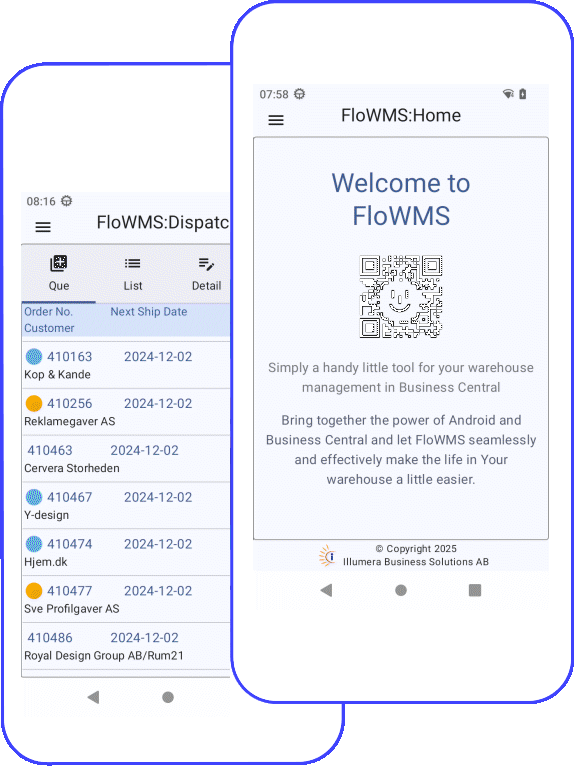
Welcome to FloWMS
The handy little tool for your warehouse management in
Microsoft Dynamics Business Central
Overview
Your warehouse in your hand
The FloWMS app is an extension for Business Central that enables the use of an Android handheld scanning device e.g. Zebra TC27. This enables the warehouse staff to perform all normal daily warehouse activities without the use of a separate computer-based terminal. Everything can be managed with a handheld Android device.
FloWMS is very simple to install and operate. The application is non-intrusive to Business Central and does not conflict, replace or alter the standard warehouse functionality in Business Central. This means that you can operate all standard functionality in Business Central together and independent with the FloWMS app in your warehouse.
Learn more...Inbound
Handle incoming goods and do a complete warehouse putaway from released Purchase Order to posted document.
Outbound
The dispatch feature contains prioritized sales order que, picking validation, parcel numbering, posting and shipping creation.
Warehouse
Perform all daily item related ativities such as check, move, adjust, label etc. with the touch of a button.
Inventory
Do a physical inventory order registration with item/bin/quantity validation and detailed registration history.
Features
FloWMS is an All-In-One app with many useful tools to assist you in your daily work in the warehouse.
Bring together the power of Android and Business Central and let FloWMS seamlessly and effectively make the life in Your warehouse a little easier.
Below is just some of the many features and functions included in one easy installation.
Details
Inbound
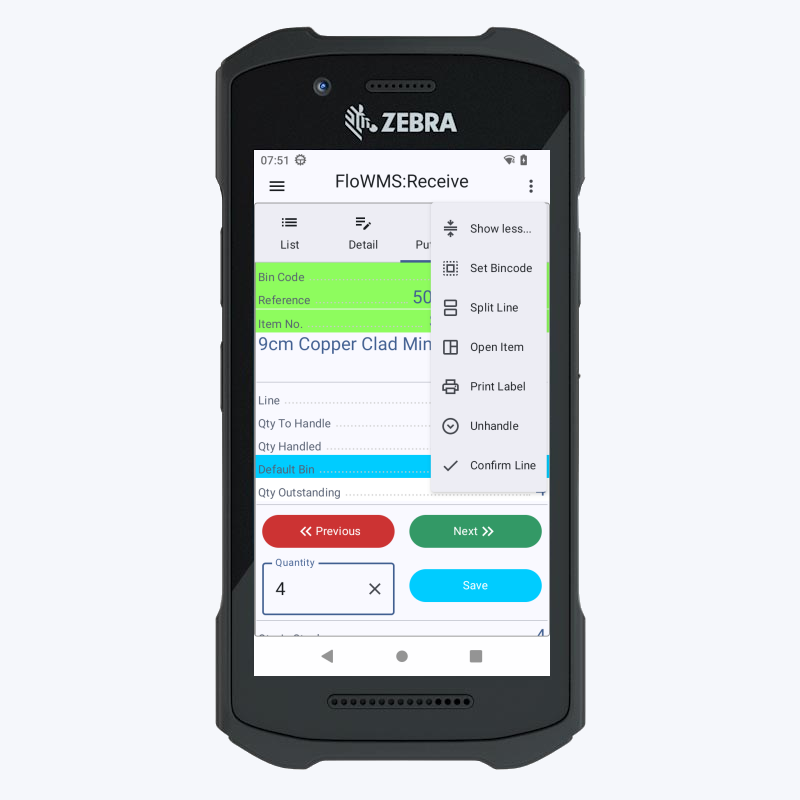
The receive feature of FloWMS contains all the tools you need to receive the goods on your purchase order in Business Central. With just one hand you can literally perfom most, if not all, of the steps nescessary to complete the purchase order receipts.
Goods receiving can be very complicated but FloWMS gives you the power to control the whole process. You have instant access to almost all the information needed to find out where just that item belongs.
- Prioritized Que
- Bin and Item Validation
- Line split
- Label printing
- Posting
Outbound
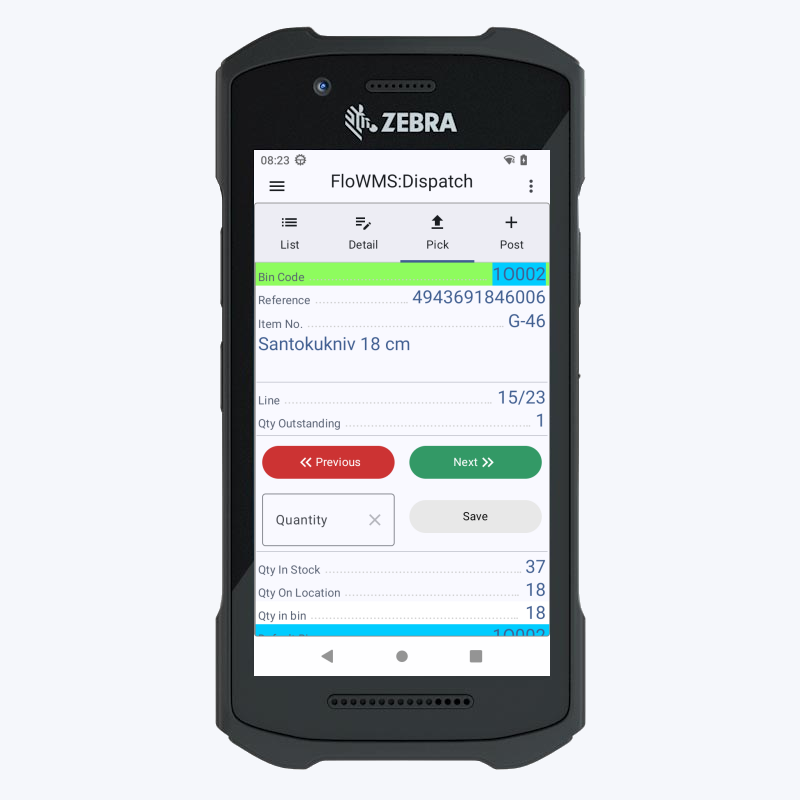
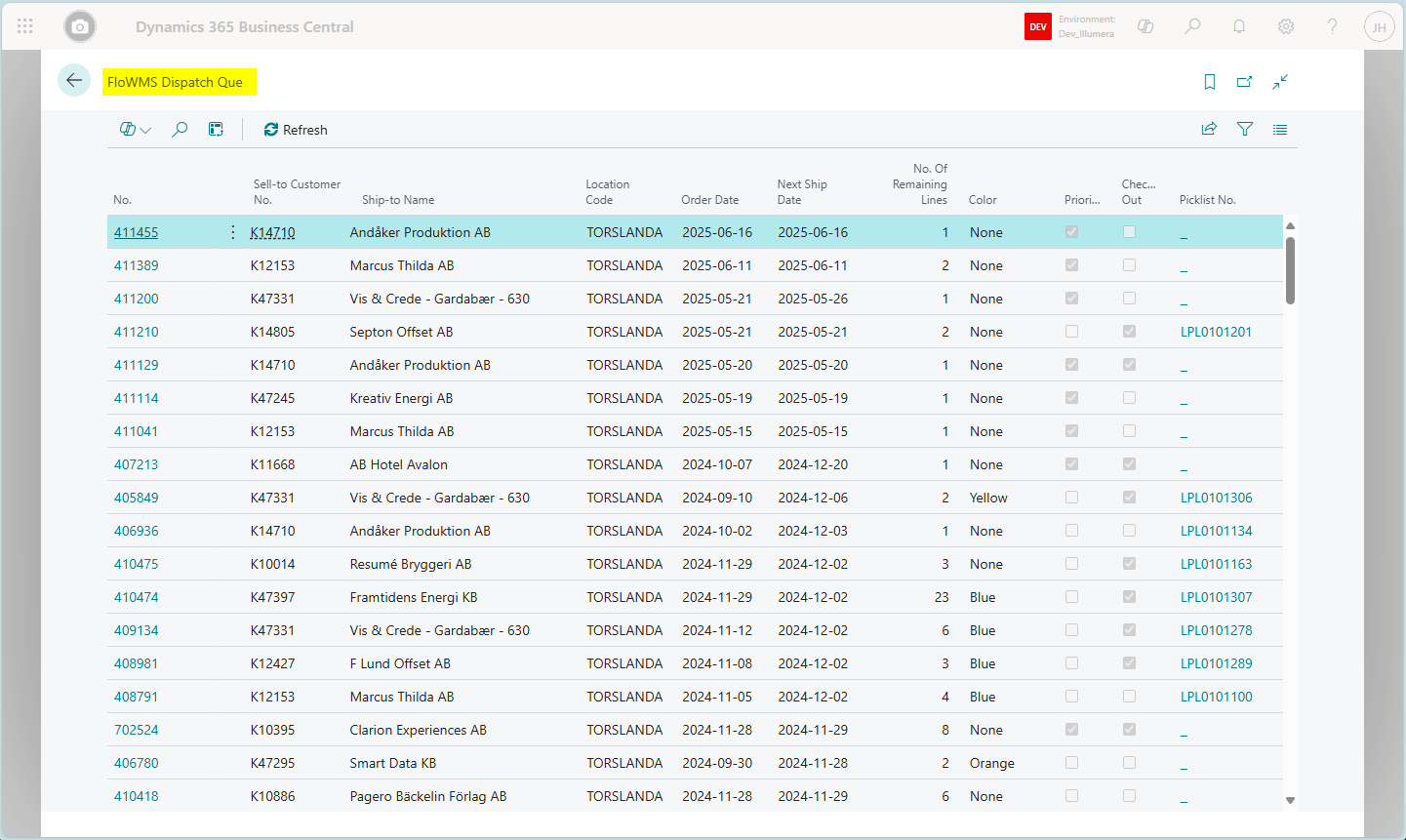
Picking and shipping of outgoing goods is made both easy and secure with FloWMS. From the configurable Que you can select the prioritized order, review all details and get relevant information about the sales order to be delivered.
Validation is made easy by scanning the bin and item/reference to be correct. The entered quantity is also checked for deviations to maximize your picking quality. Finally the picklist is posted and an optional shipping can be created with the built-in integration to Shipping Central (nShift).
- Prioritized Que
- Bin, Item and Quantity Validation
- Handle multiple Inventory Picks in a single Picking Cart
- Line split
- Label printing
- Posting
- Shipping
Transfer
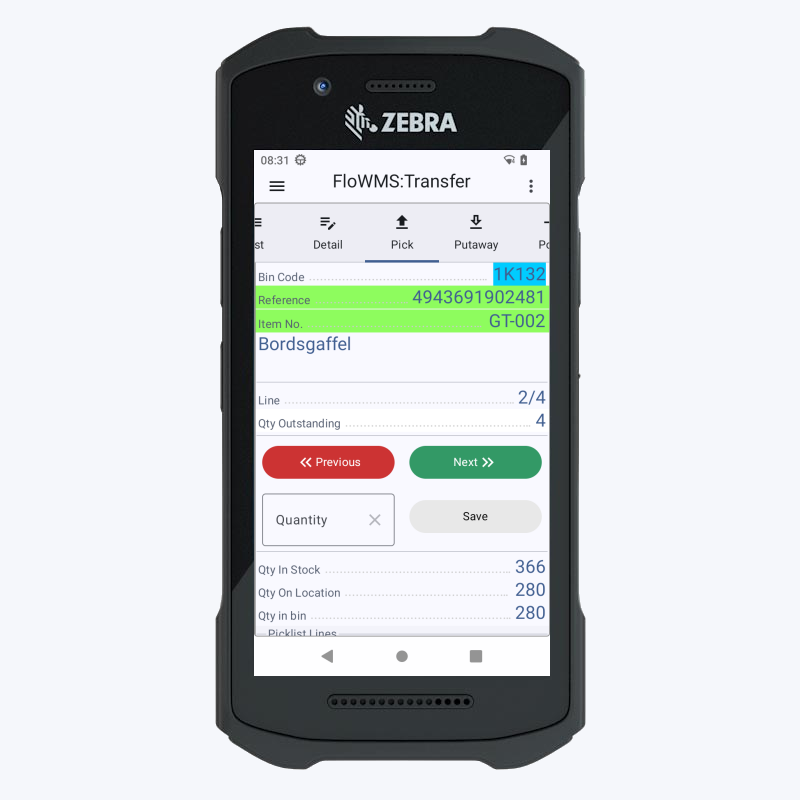
If you handle transfer orders in Business Central you can use FloWMS expedite these in your warehouse. A transfer order typically moves items from one warehouse location to another. This can be done either as a managed order or as a direct transfer.
FloWMS can handle both dispatch with picking/posting and shipping and receive with putaway and posting. Direct shipment is also supported with the optional shipping.
- List and monitor
- Direct Transfer
- Labels
- Shipment
- Posting
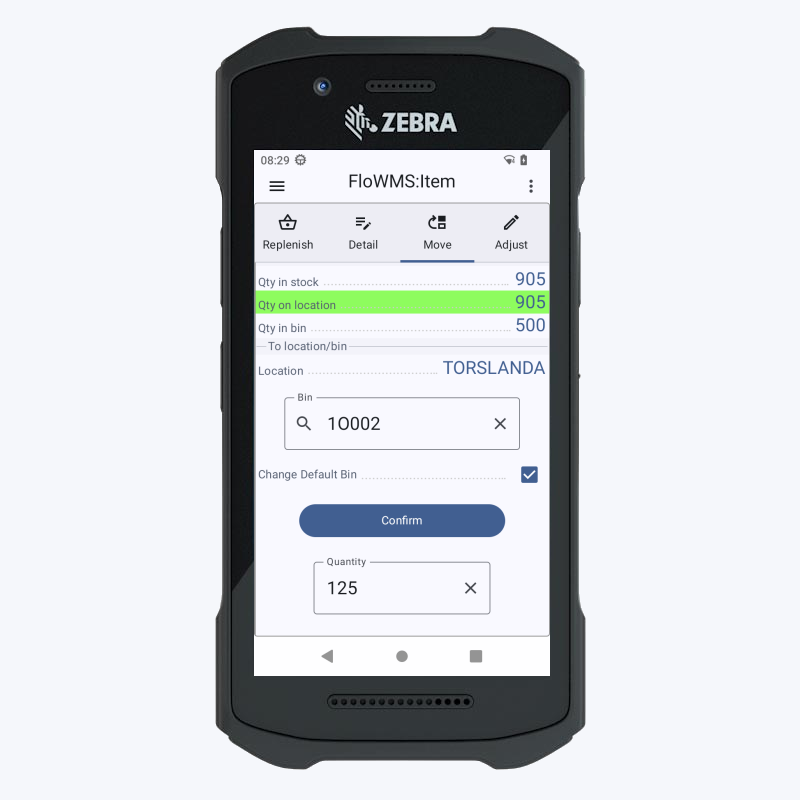
Item Management
Maintaining the items and bins is a normal daily activity in any warehouse. Instead of a time consuming process, FloWMS is your assistant to make the tasks quick and effective. With your FloWMS device you can easily check, validate, print labels, move and adjust any item in your warehouse.
Or use the built-in Replenish feature to refill your default bins with new stock.
- Scan and search
- Move
- Adjust
- Replenish
- Actions
- Labels
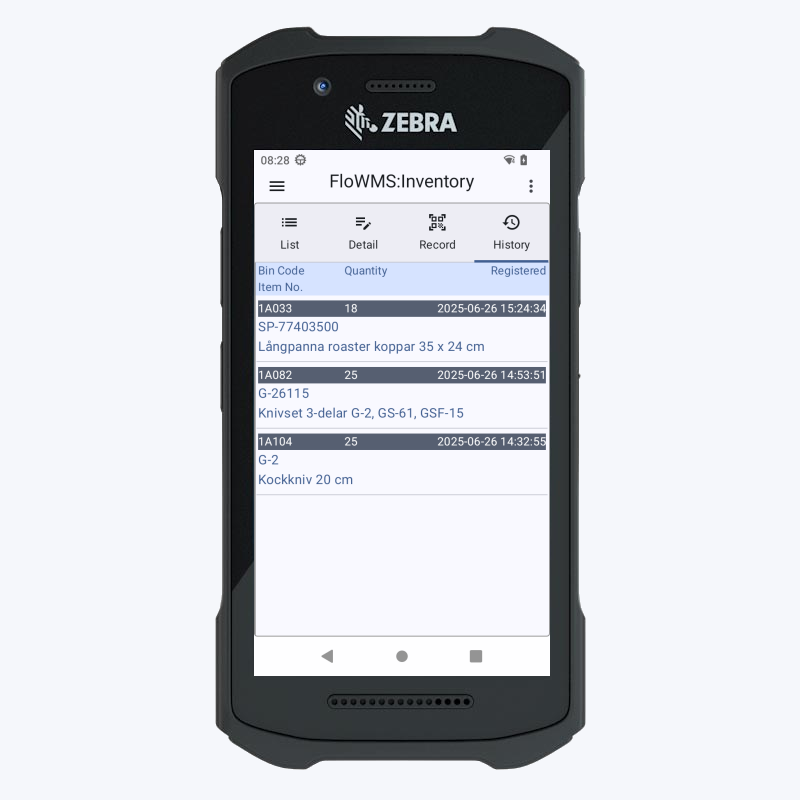
Physical Inventory
In Microsoft Business Central you have a powerful tool in the physical inventory order feature. Using this tool to administrate your physical inventory you can then use FloWMS to record back your inventory registrations.
With the same accuracy in validation of bins and items as putaway and picking, FloWMS makes the execution of the physical inventory much easier, faster and more secure.
- Track and control
- Bin and Item Validation
- New registration Entry
- History
Gallery
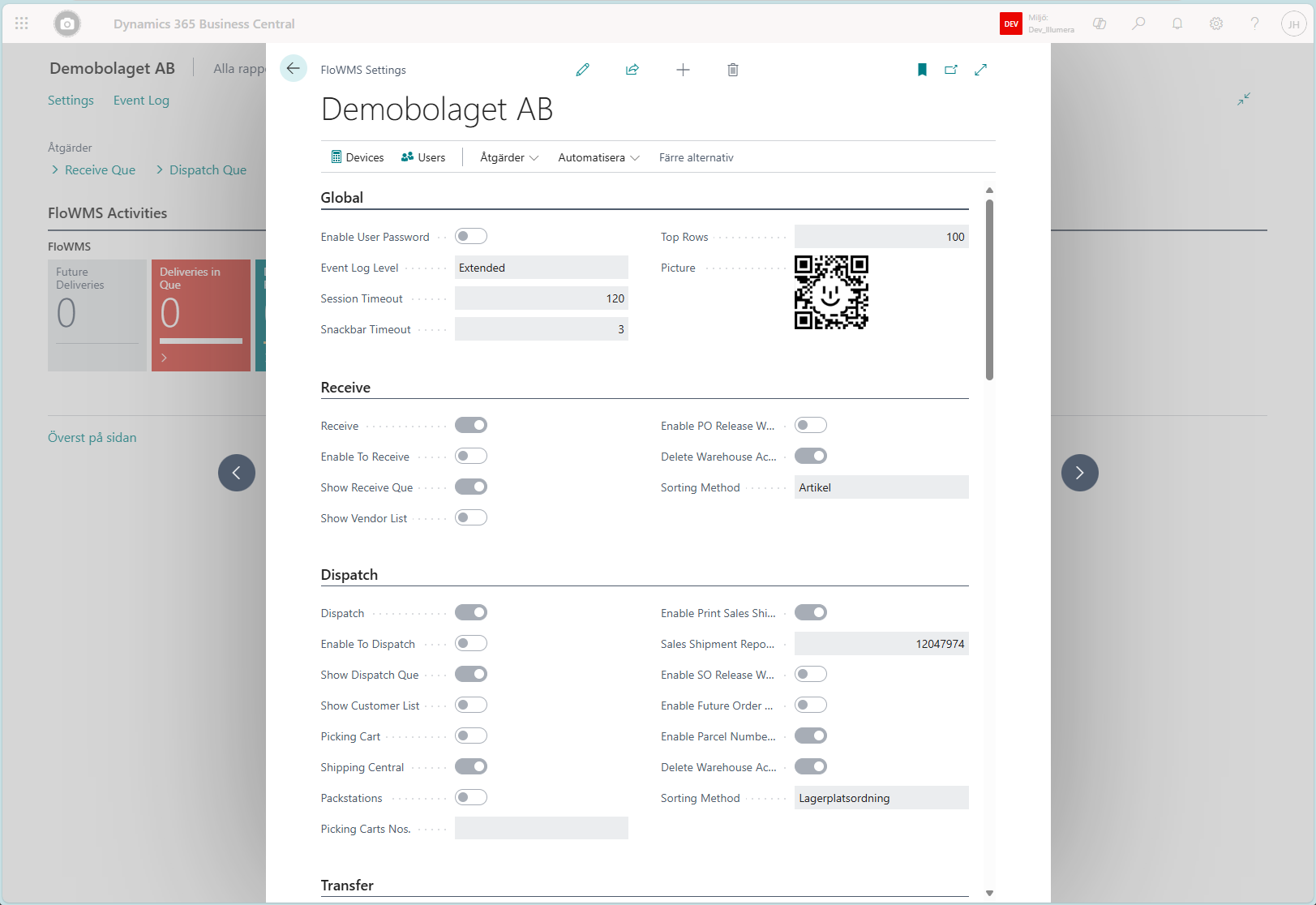
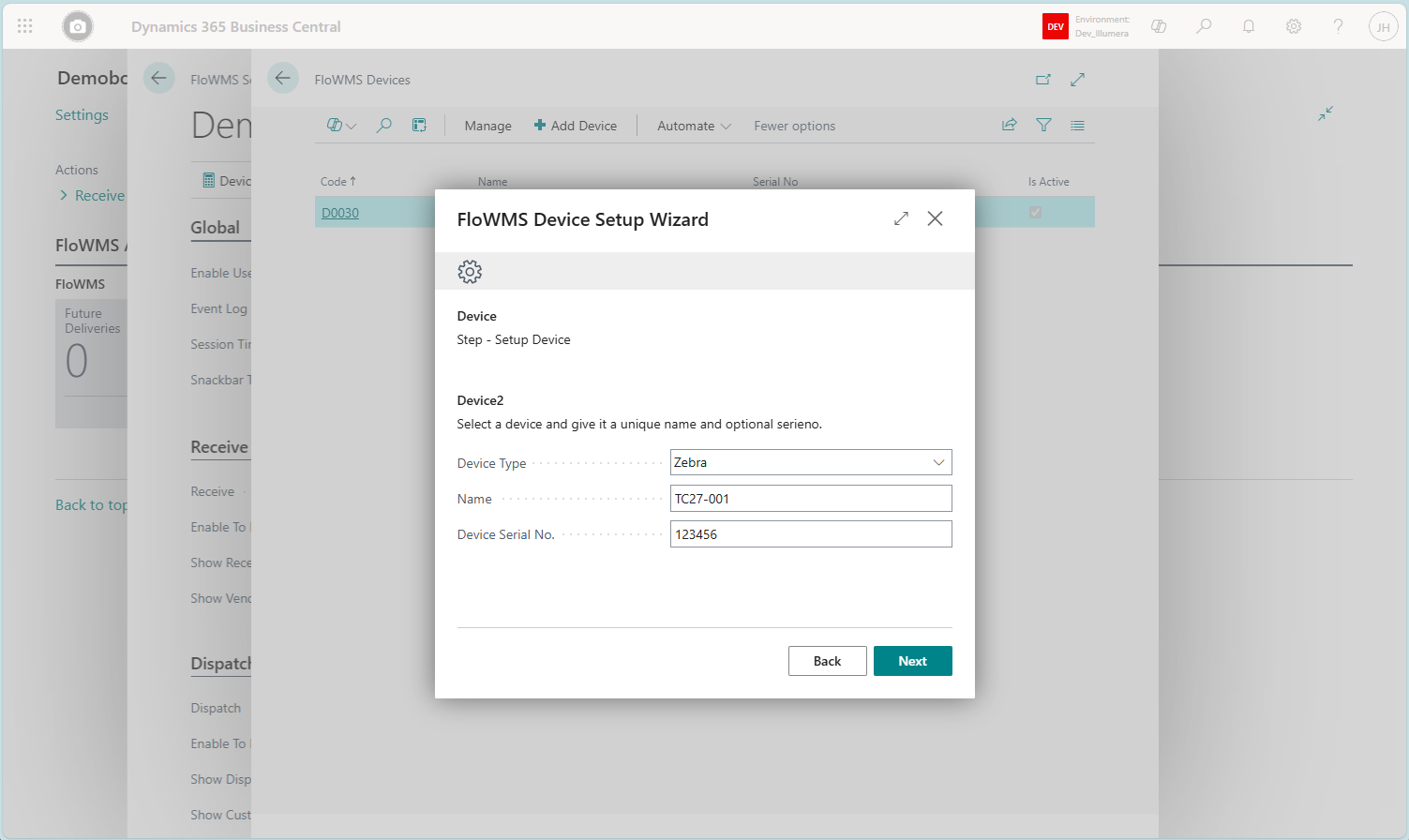
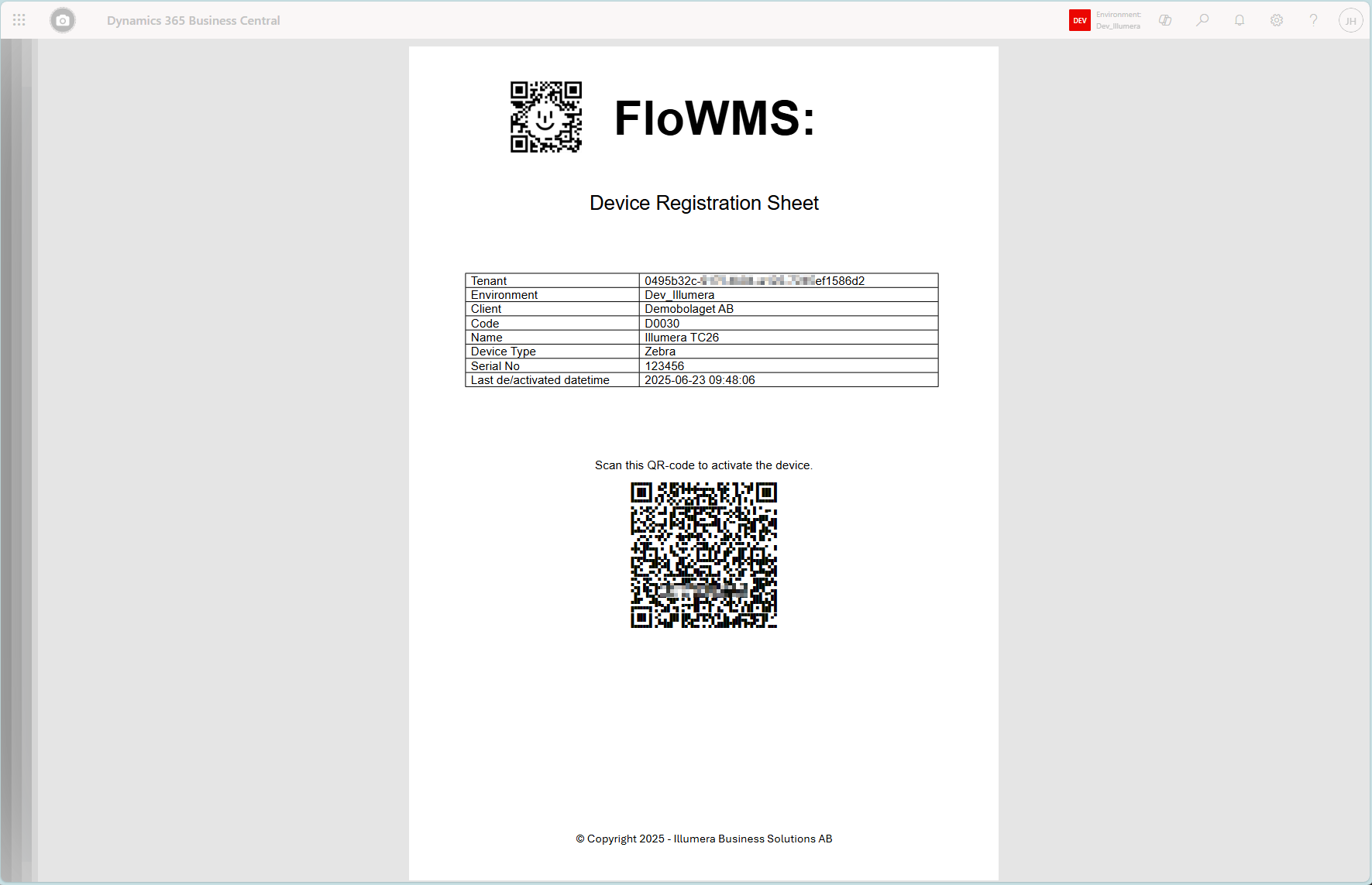
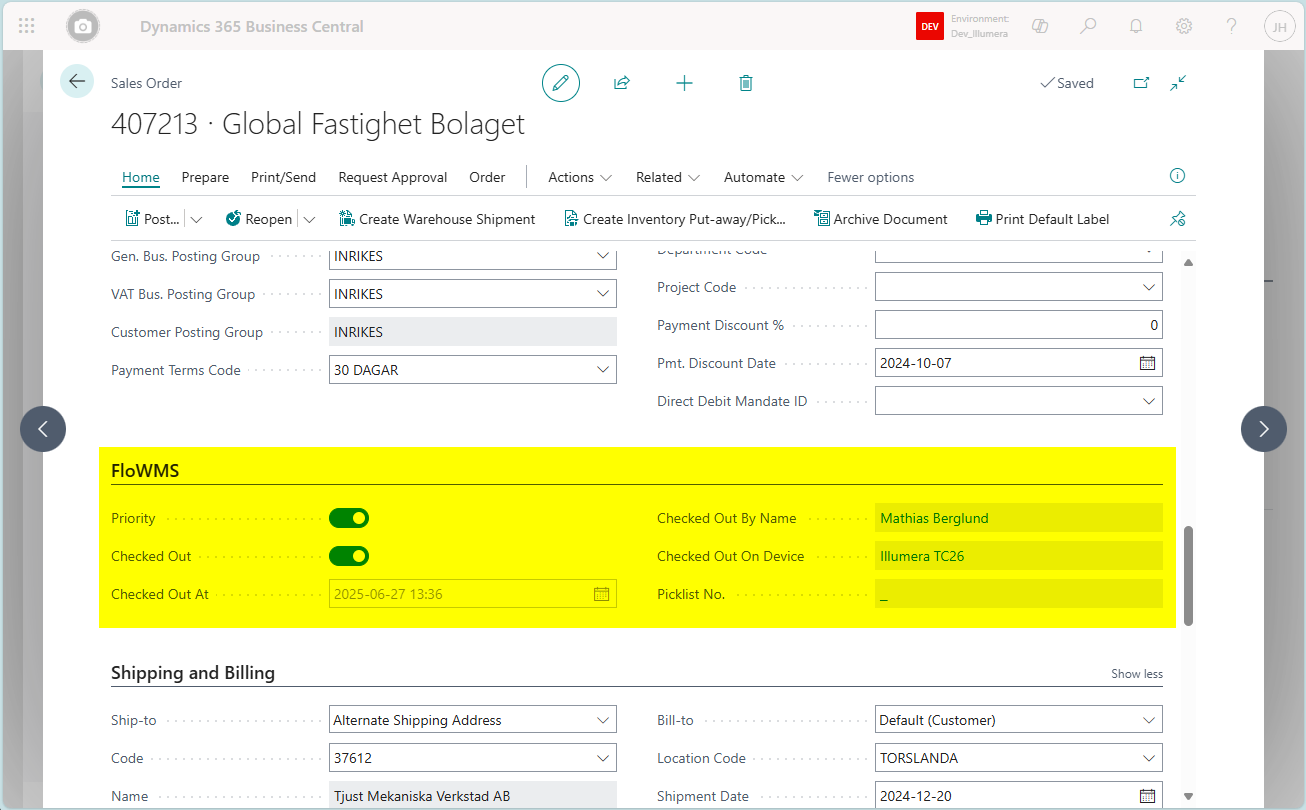
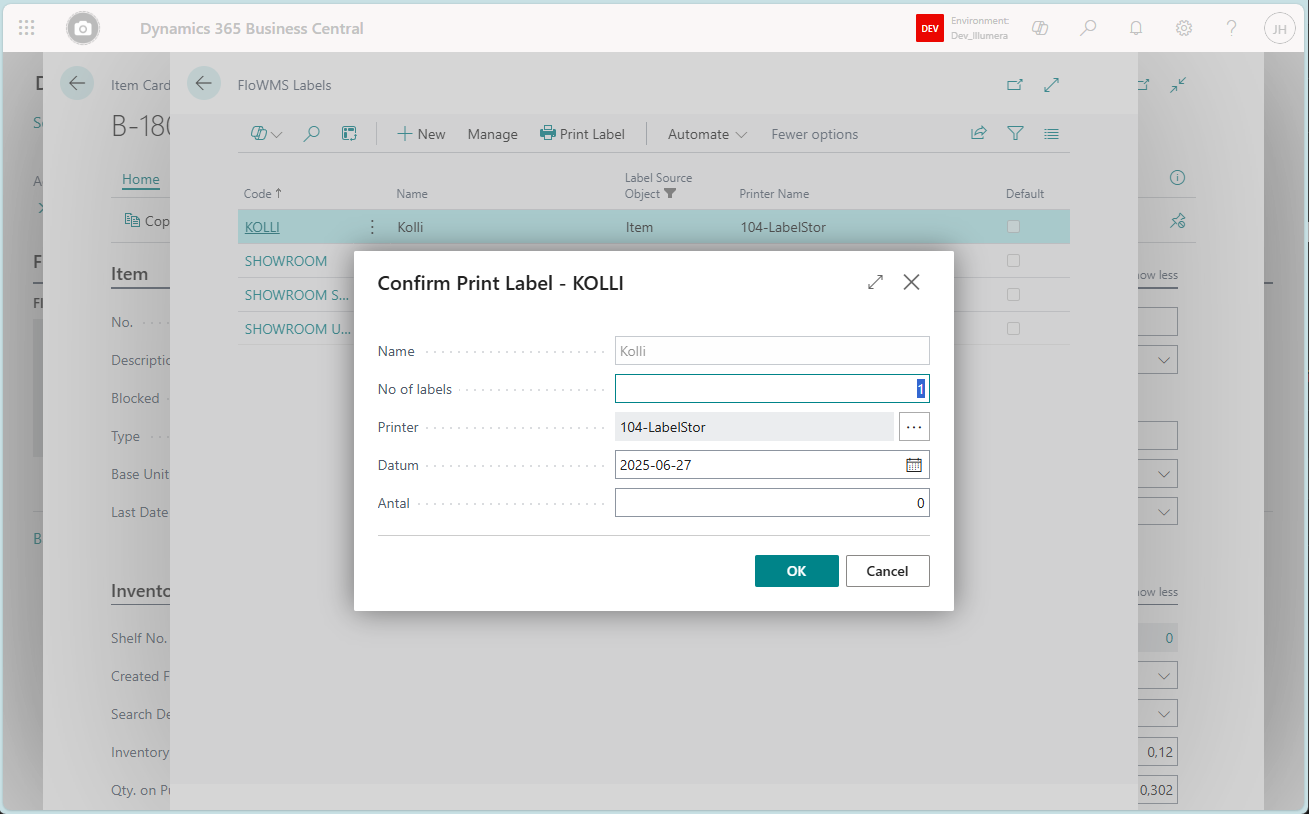
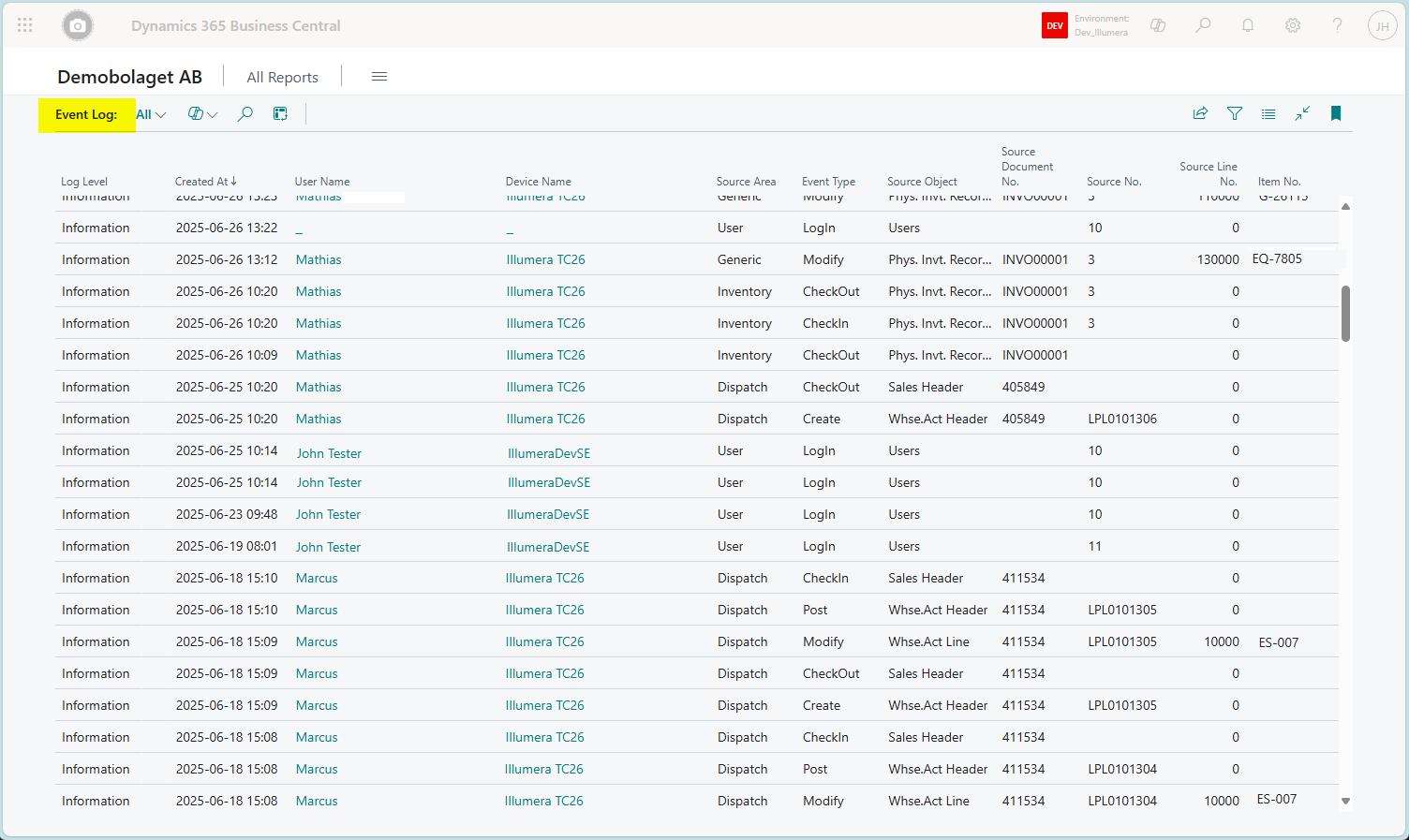
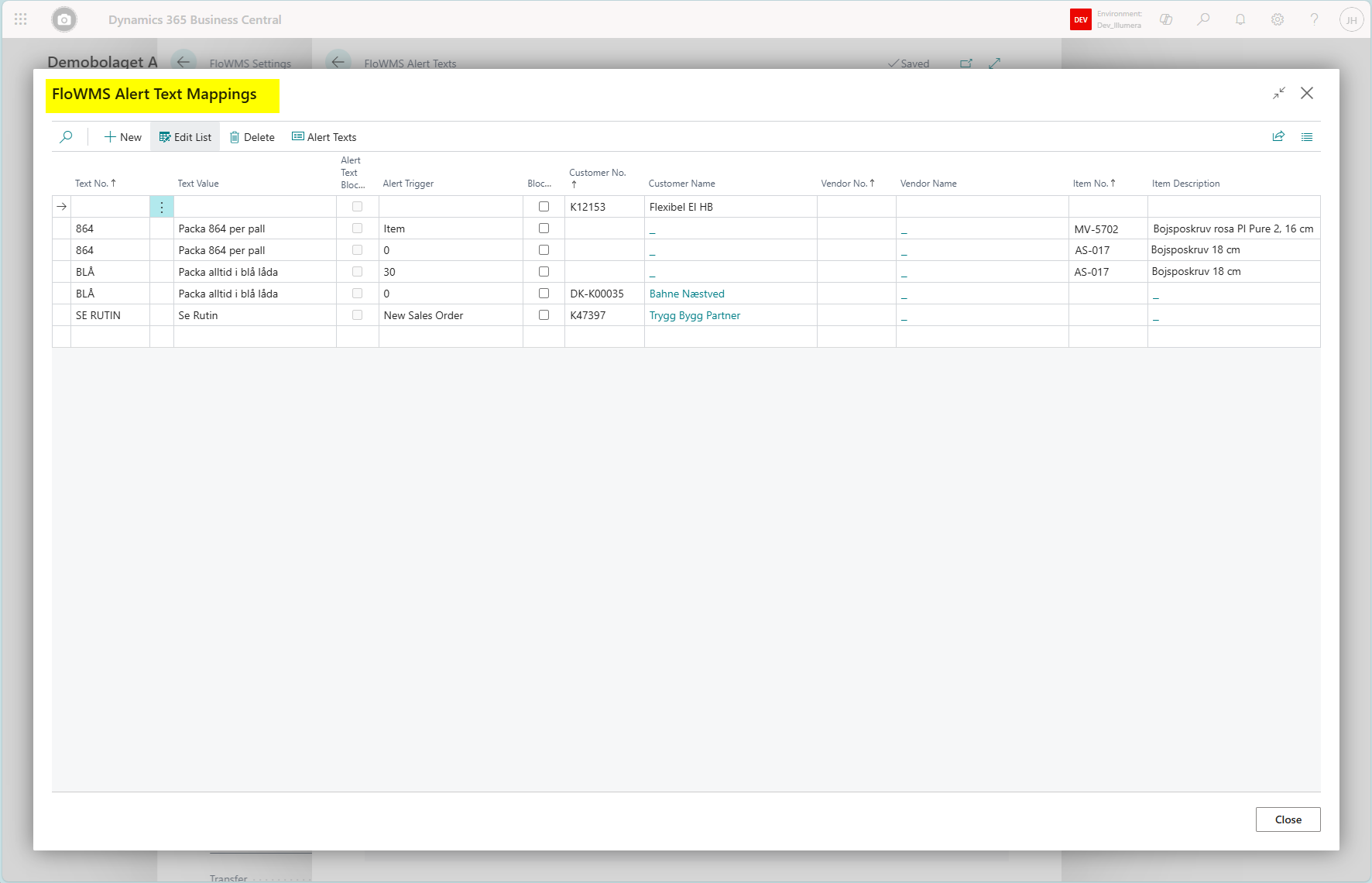
The extension app in Business Central adds some useful features not only to the connected FloWMSAndroid App but standalone tools within Business Central as well.
Below is some snapshopts of typical screen functions added and optional to use in Business Central.
Pricing
Since Business Central can be setup, managed and extended in a variety of ways, the success of FloWMS in your environment depends much on how you have setup your environment. Many features and functions in the app is ready to go right from start and some features may need som more configuration before showing their full potential.
FloWMS is designed to deliver best result where you have Business Central setup to use Basic Warehousing using bins, inventory pick and put-away, also known as complexity level 3. However, you can also manage both sales order and purchase order on locations using bins but without pick or put-away i.e. complexity level 2.
An implementation project for FloWMS usually involves an analysis of one or more of the following areas and may contain an extensive project before being successful:
- Warehouse Level and Layout
- Item, Reference and Bin data integrity
- QR/Barcode requrements and prerequisites
- Technical hardware and network prerequisites
FloWMS utilizes a subscription-based licensing model where licenses are assigned to named and installed and active devices. This flexible model allows you to scale your resources according to your needs. Also note that Microsoft may require you to add a Device CAL to access Business Central from a handheld device.
Contact us today for more information about pricing and discussion on how FloWMS best can suite Your needs.
Contact

Phone
+46 76 760 6595
info@illumera.se